Leo Reed Studio
Leo Reed Studio × Laetitia NhA LUT and a matching Lightroom preset for your fitness brand
.cube + .xmp
A sample made for your job post

One look across every camera

I built a sample look called Lift Daylight and tested it on seven fitness clips shot on different cameras, in different light, with skin tones from light to deep. The video uses the .cube LUT and the photos below use the Lightroom preset, both from the same grade, so they match.

Made without your footage

These are free Pexels stock clips, not your brand's content. Once I have your samples, I'd tune the look to your colors and your creators' skin tones, then show it on your own clips.

Jump to a camera

The line stops halfway so you can compare.

Photos with the matching preset

Drag the line.

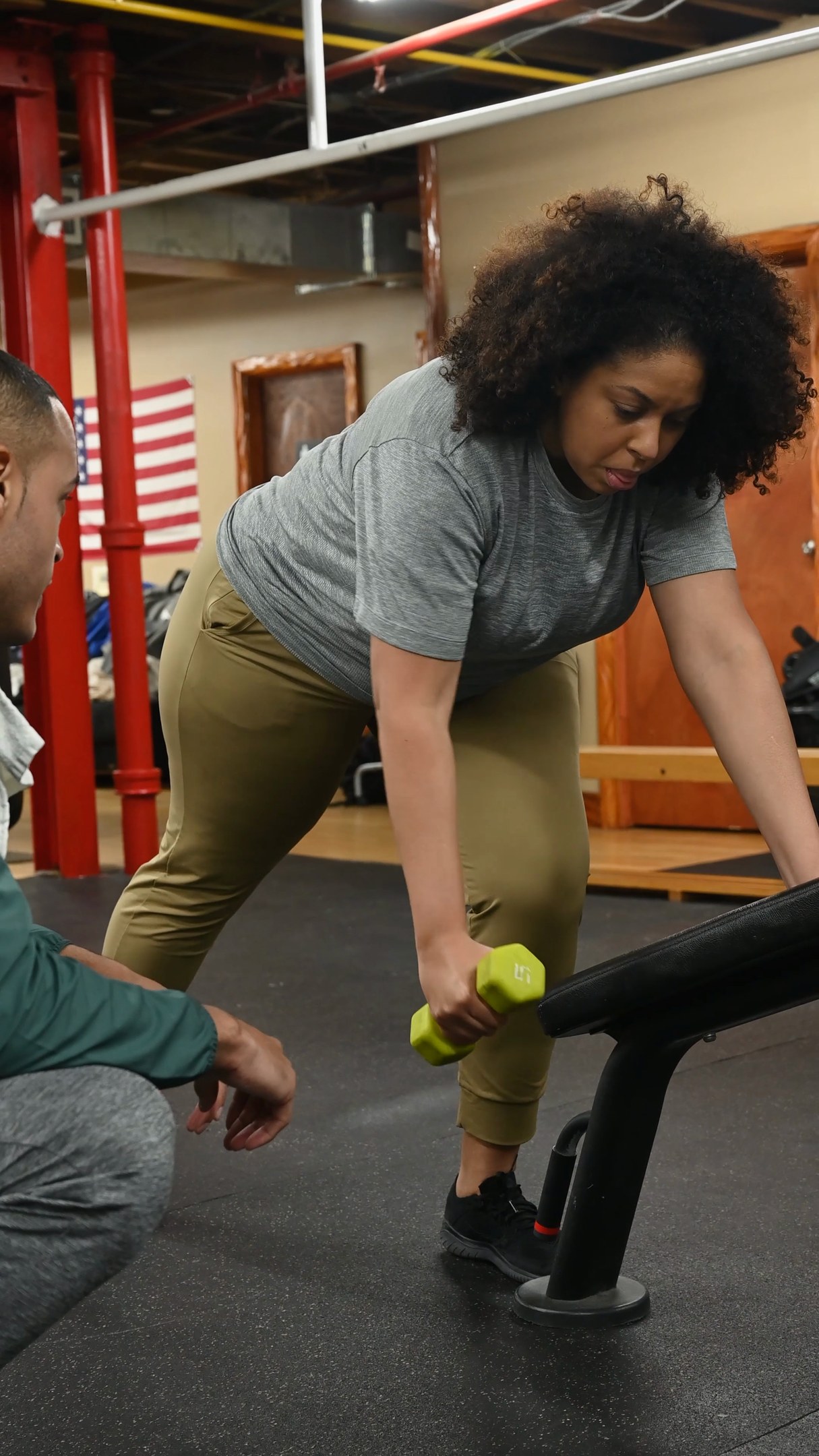
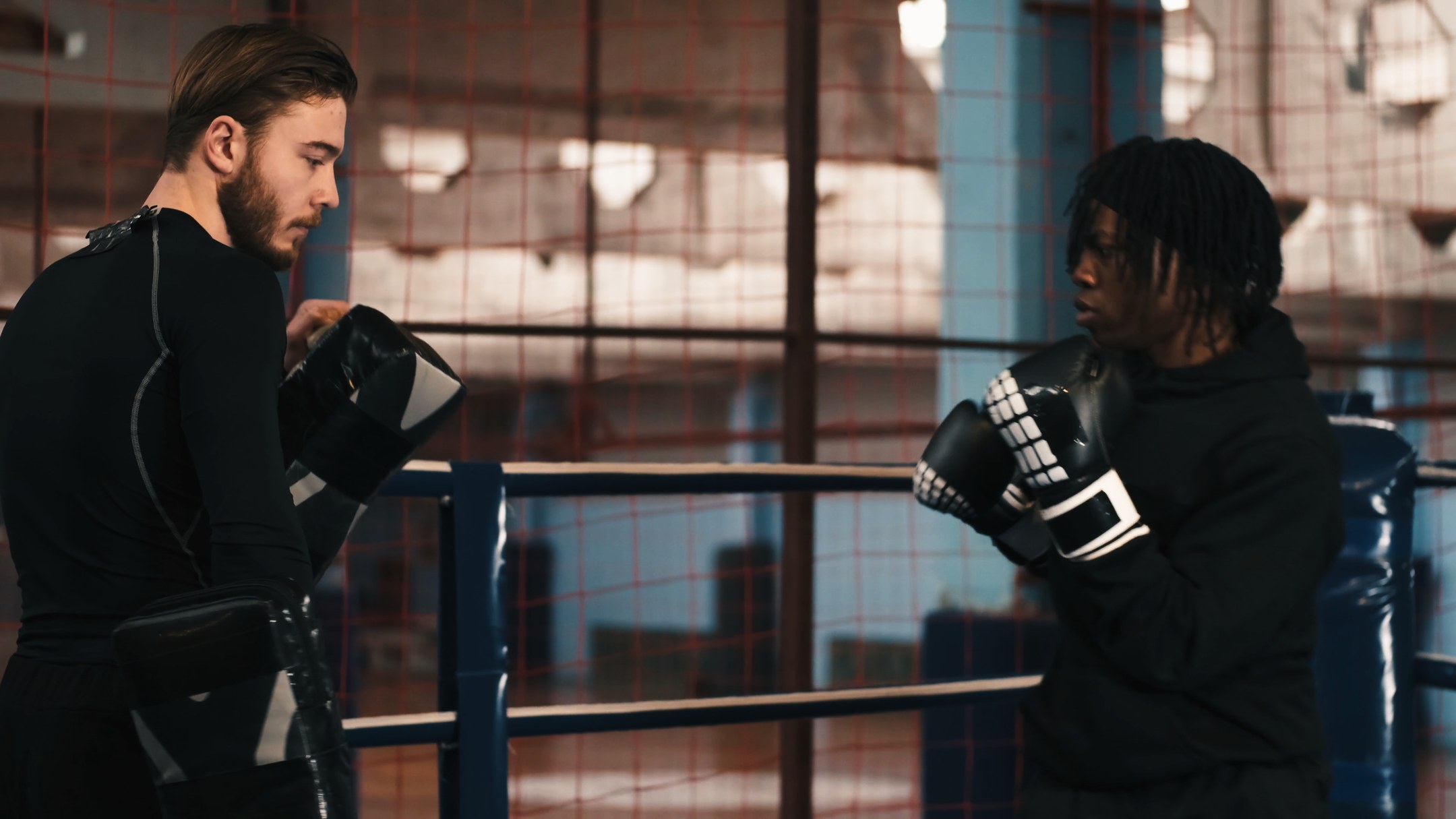
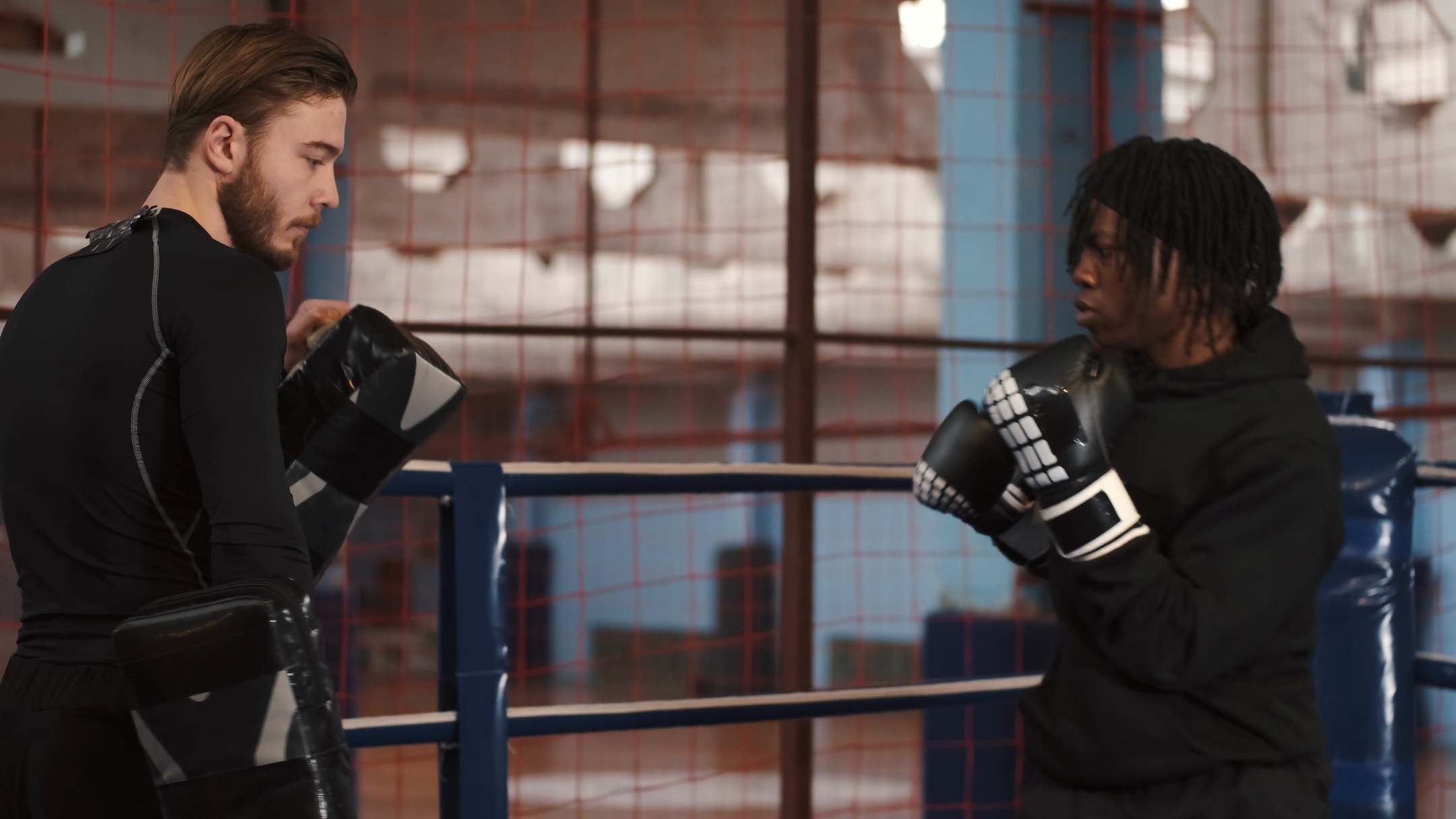
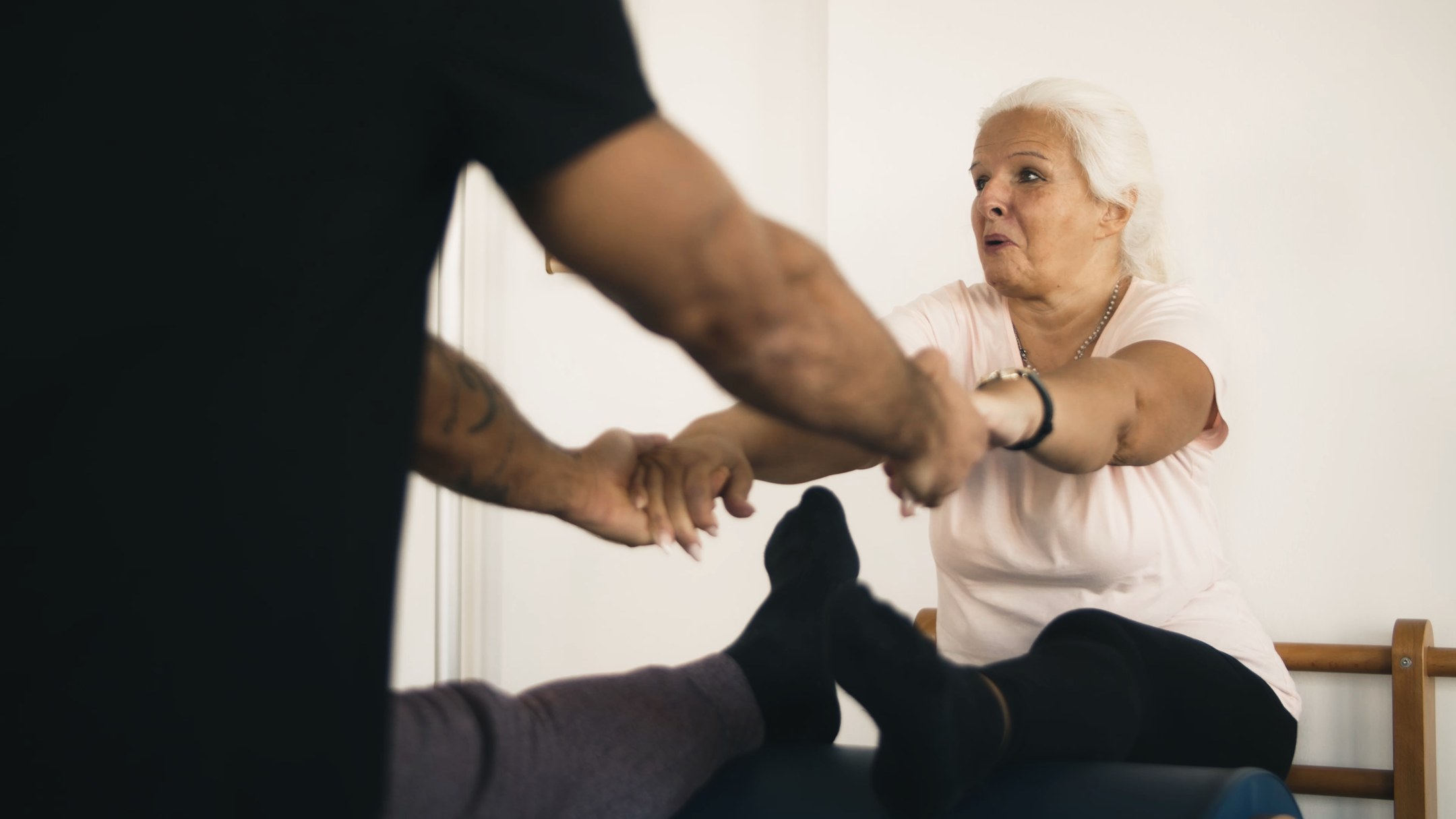
Same look as the video, applied in Lightroom. Skin stays warm and natural, the busy wall colors calm down, and contrast gets firmer without crushing the shadows.
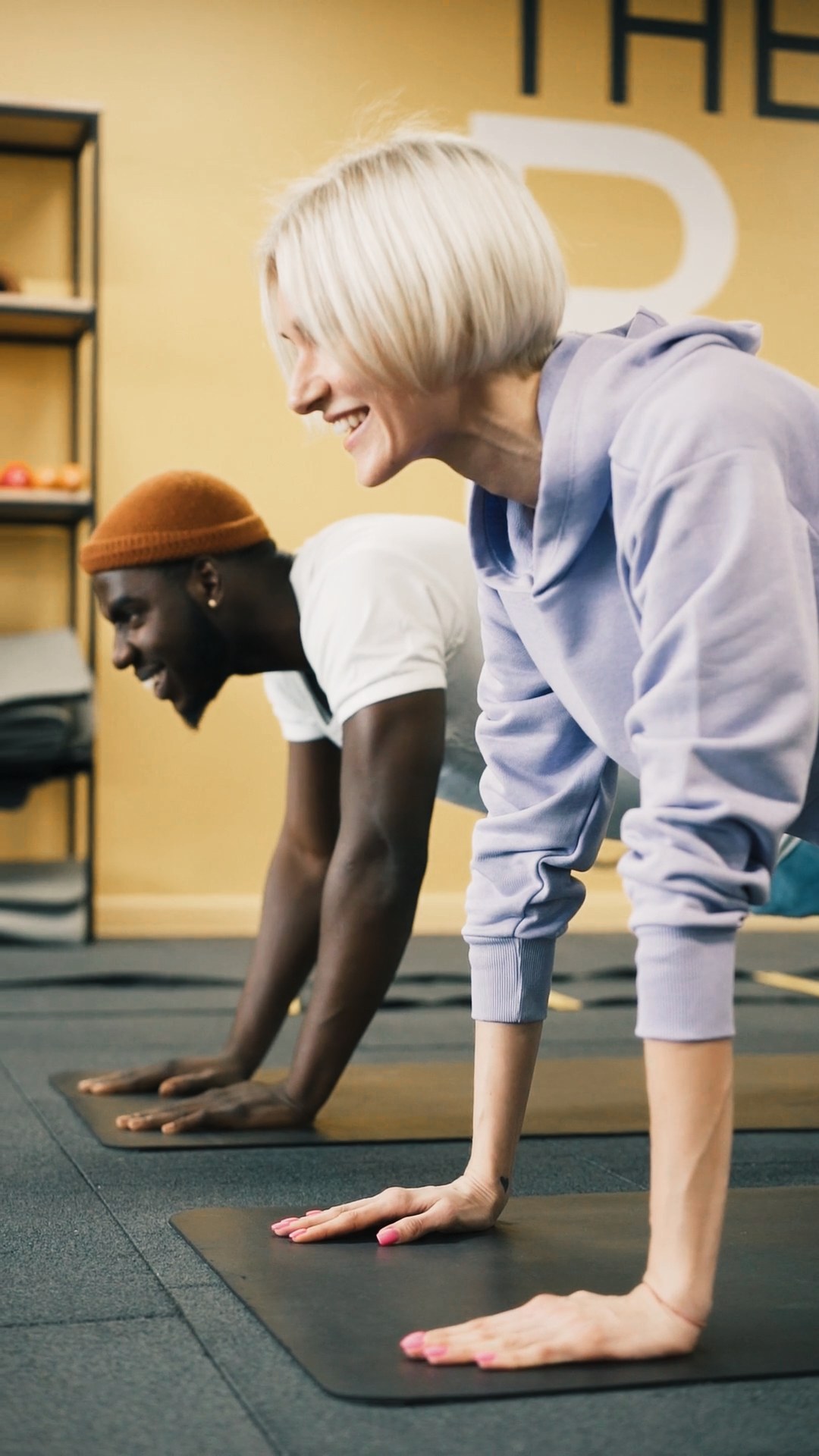
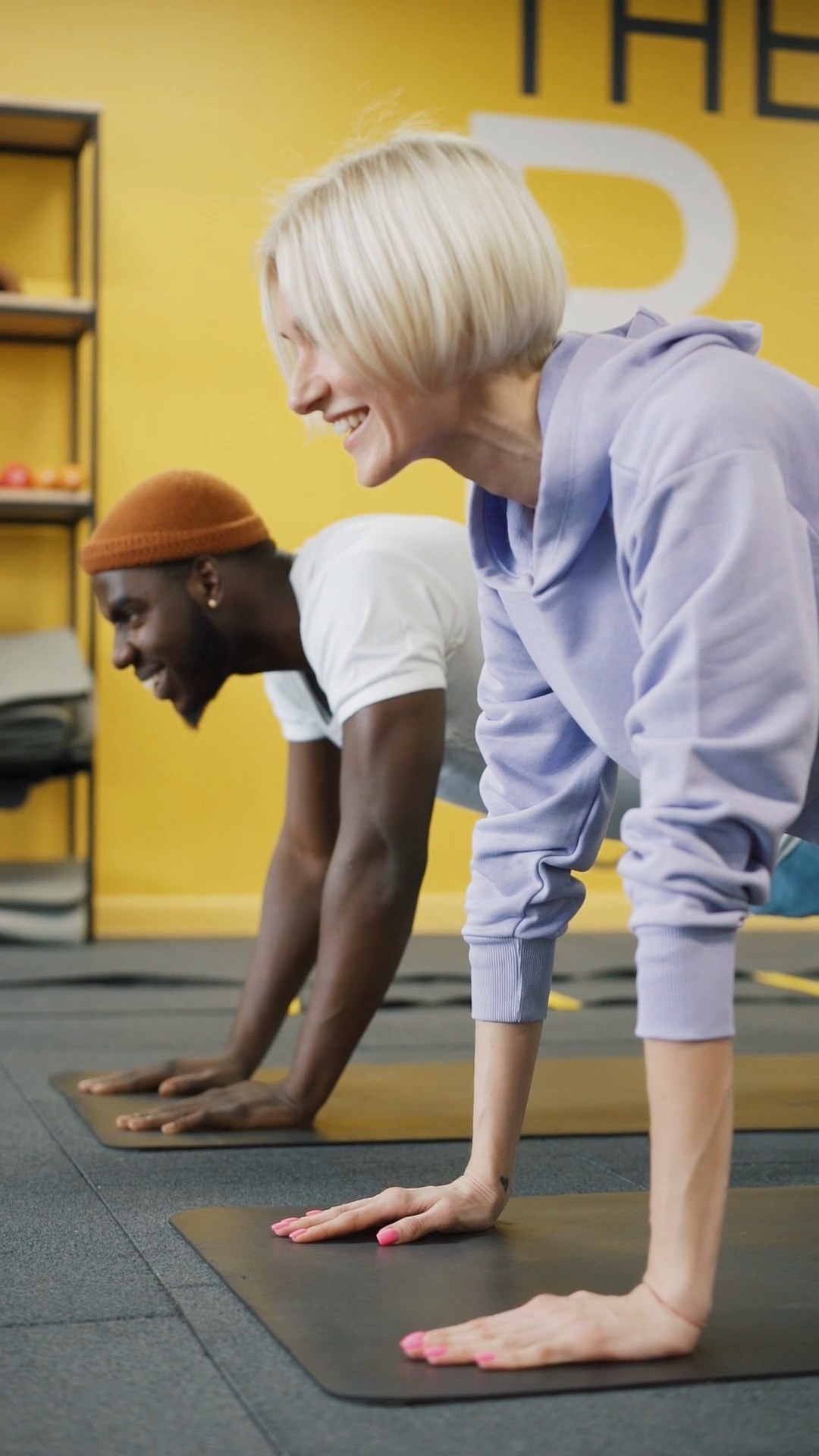
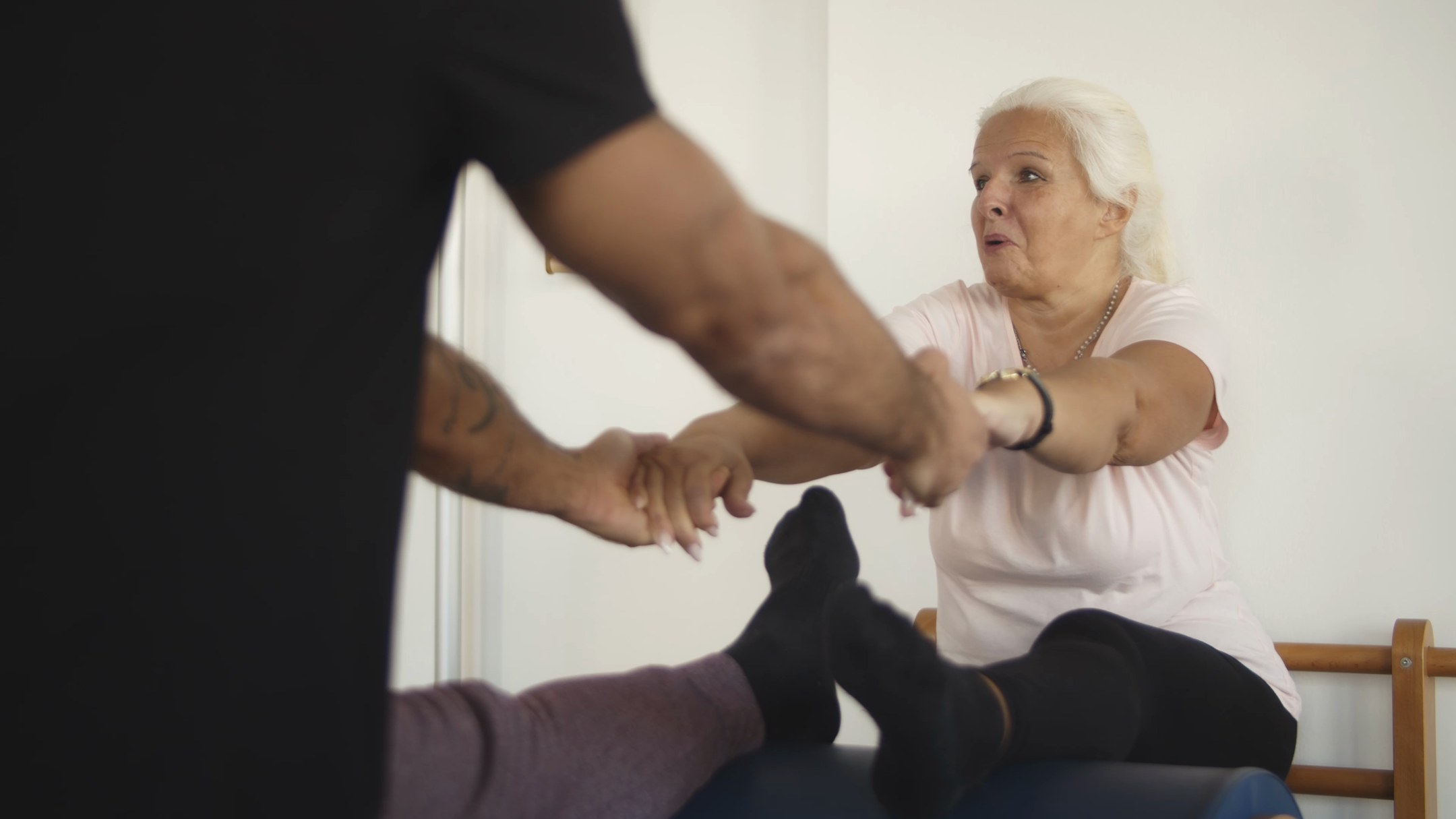
Yellow wall, two skin tones in one frame, after
Yellow wall, two skin tones in one frame, before
AFTERBEFORE

Yellow wall, two skin tones in one frame
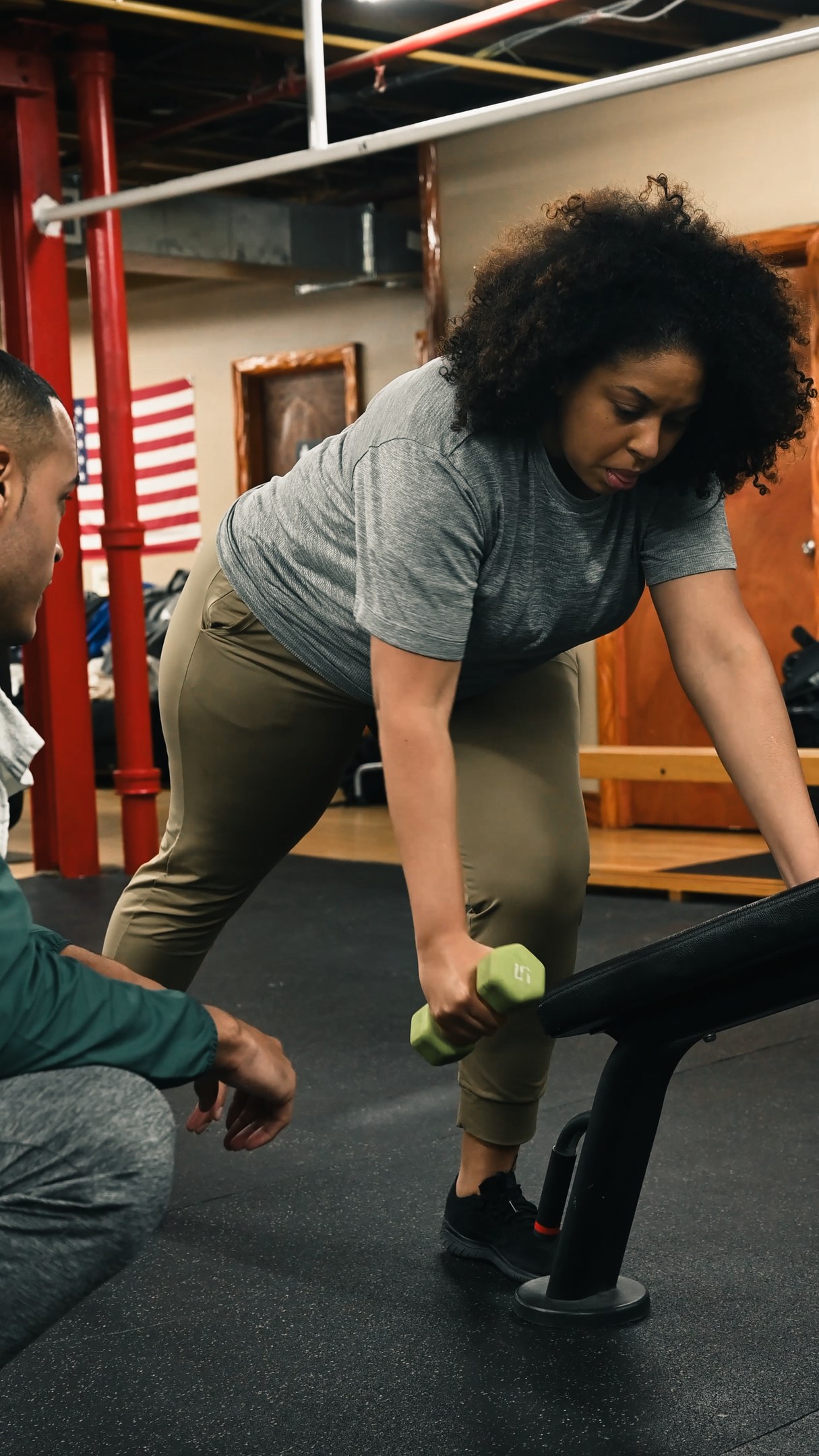
Mixed gym light, vertical, after
Mixed gym light, vertical, before
AFTERBEFORE

Mixed gym light, vertical

Boxing ring, mixed skin tones, after
Boxing ring, mixed skin tones, before
AFTERBEFORE

Boxing ring, mixed skin tones

Bright studio, light skin, after
Bright studio, light skin, before
AFTERBEFORE

Bright studio, light skin

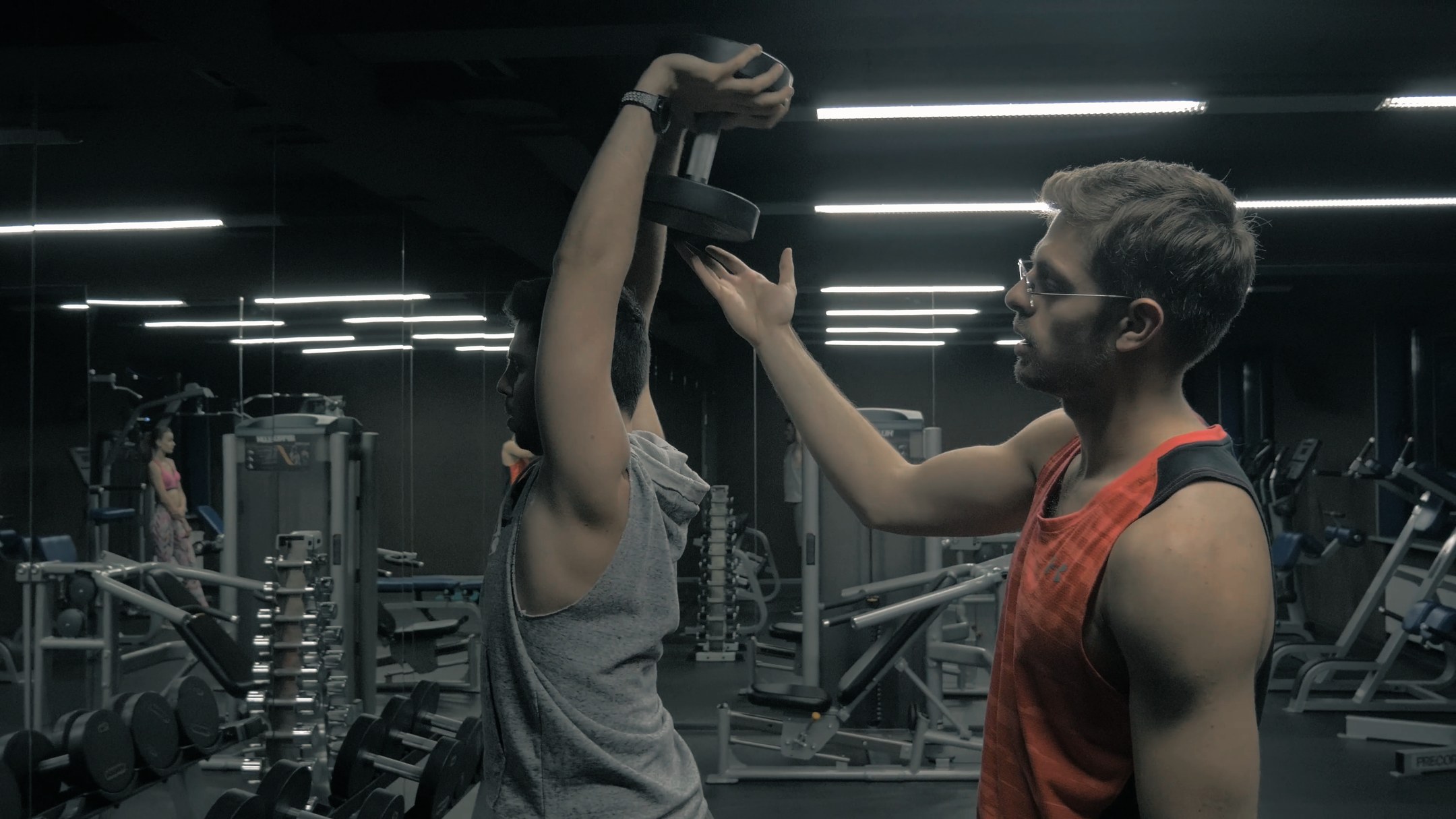
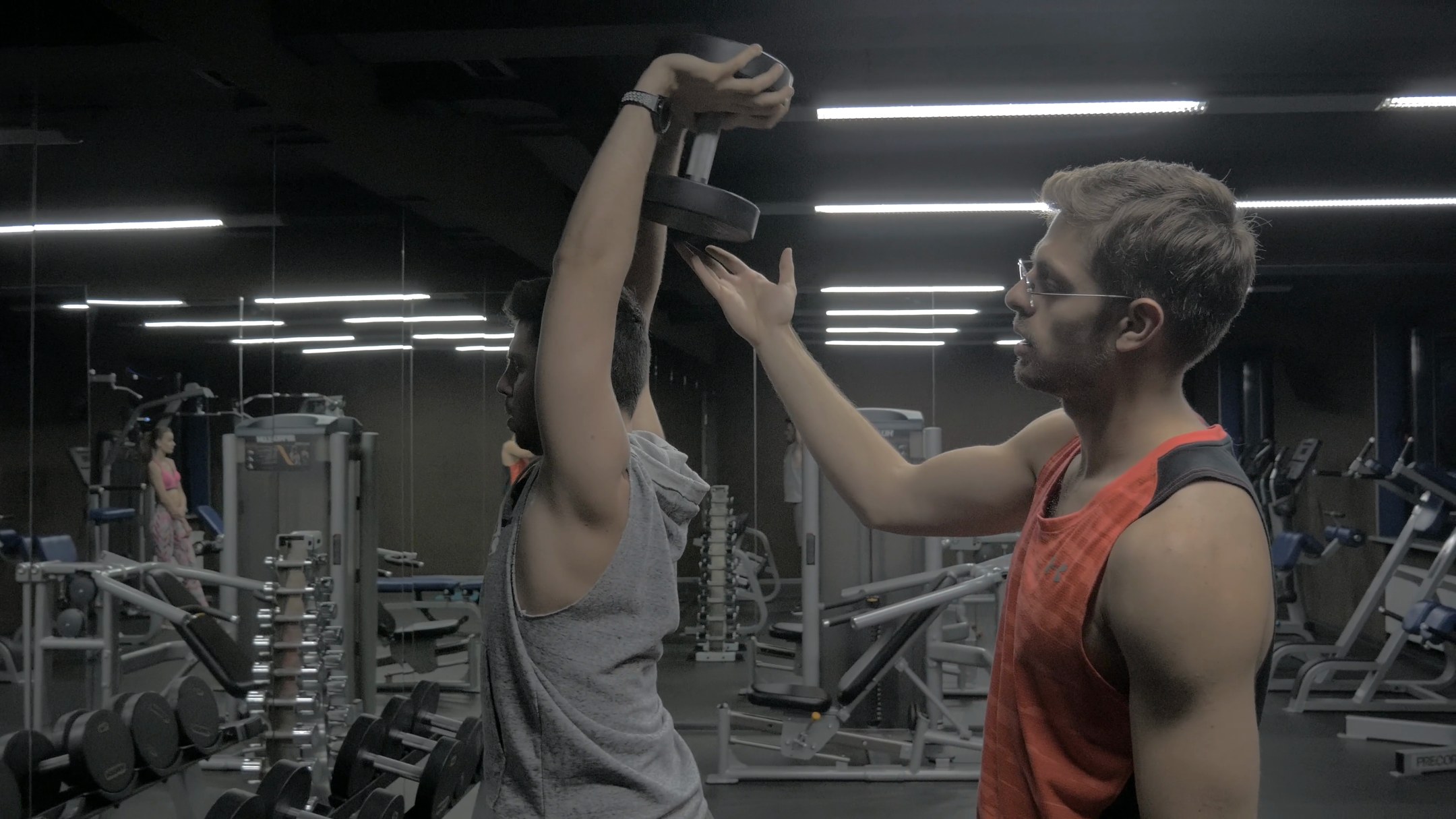
Dark gym, cool overhead light, after
Dark gym, cool overhead light, before
AFTERBEFORE

Dark gym, cool overhead light

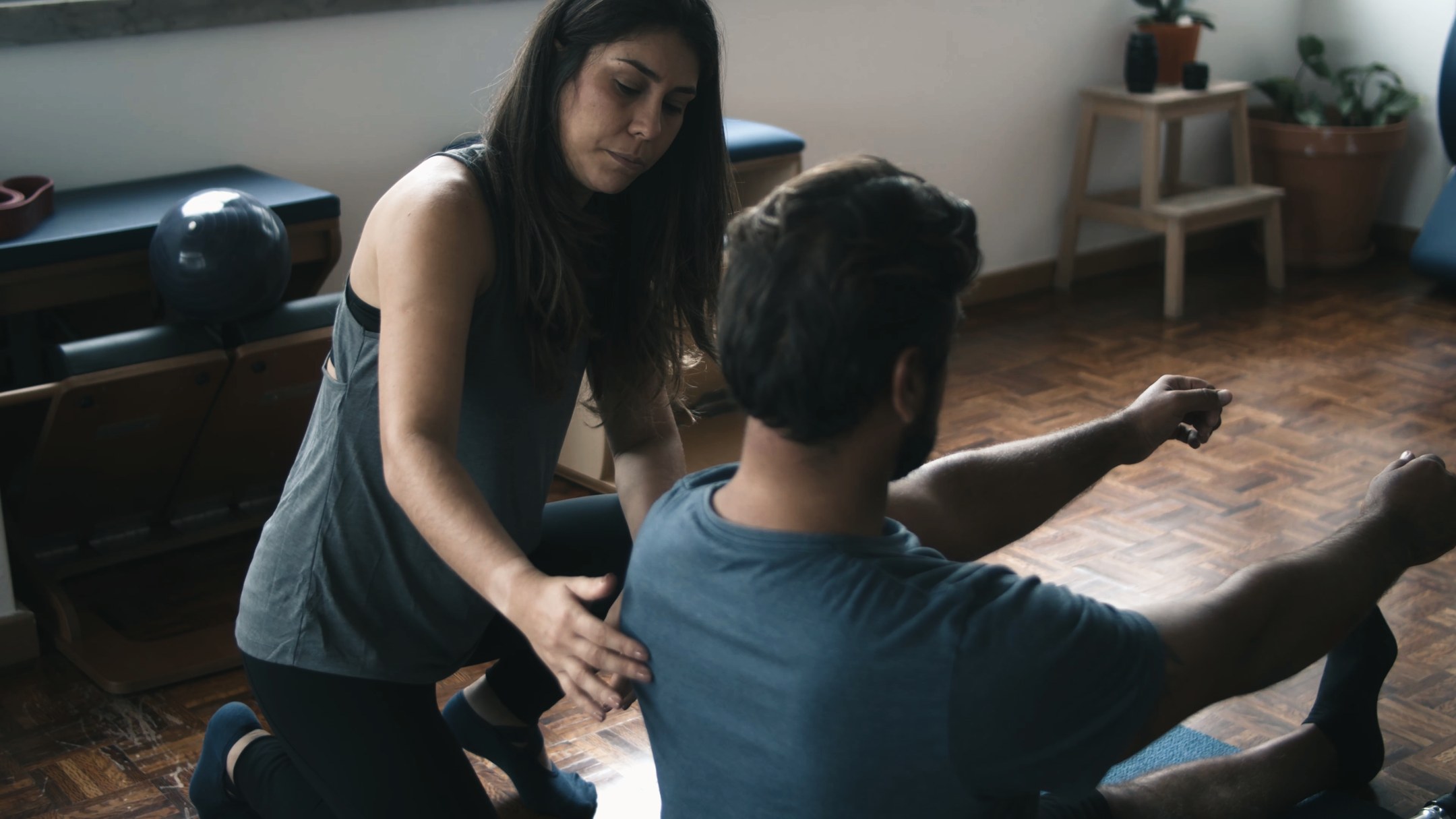
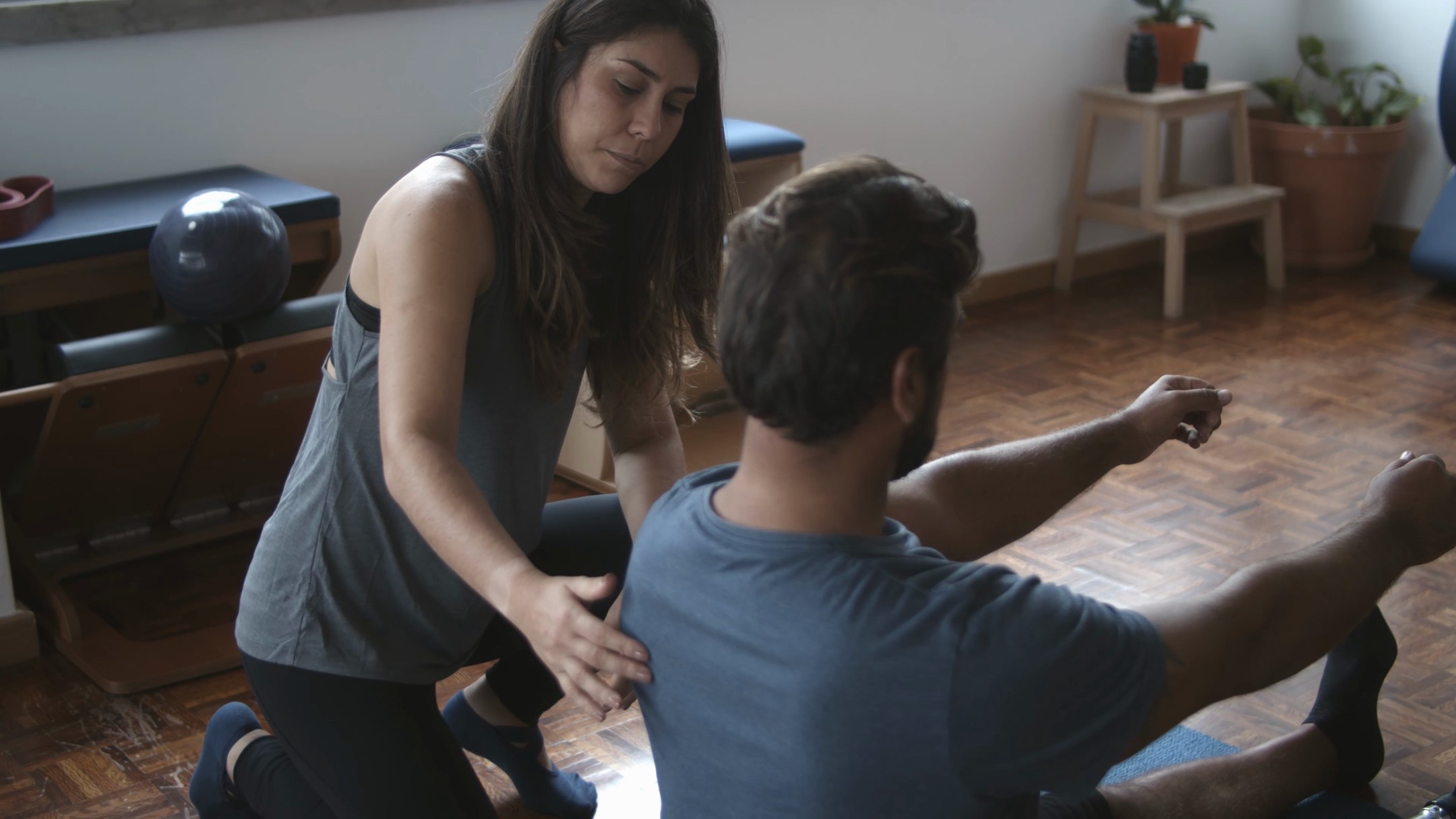
Window light, wood floor, after
Window light, wood floor, before
AFTERBEFORE

Window light, wood floor

Delivery files

.cube LUT33-point, works in CapCut
.xmp presetLightroom desktop and mobile
.dng for mobileImport into the Lightroom app
Usage noteOne page covering CapCut and Lightroom

How closely the LUT and the preset match

I built the Lightroom preset first, then sampled the LUT straight from it, so the two don't drift apart. On these seven frames they differ by less than 1% on average, so a creator's video and photos should look like they belong to the same brand.
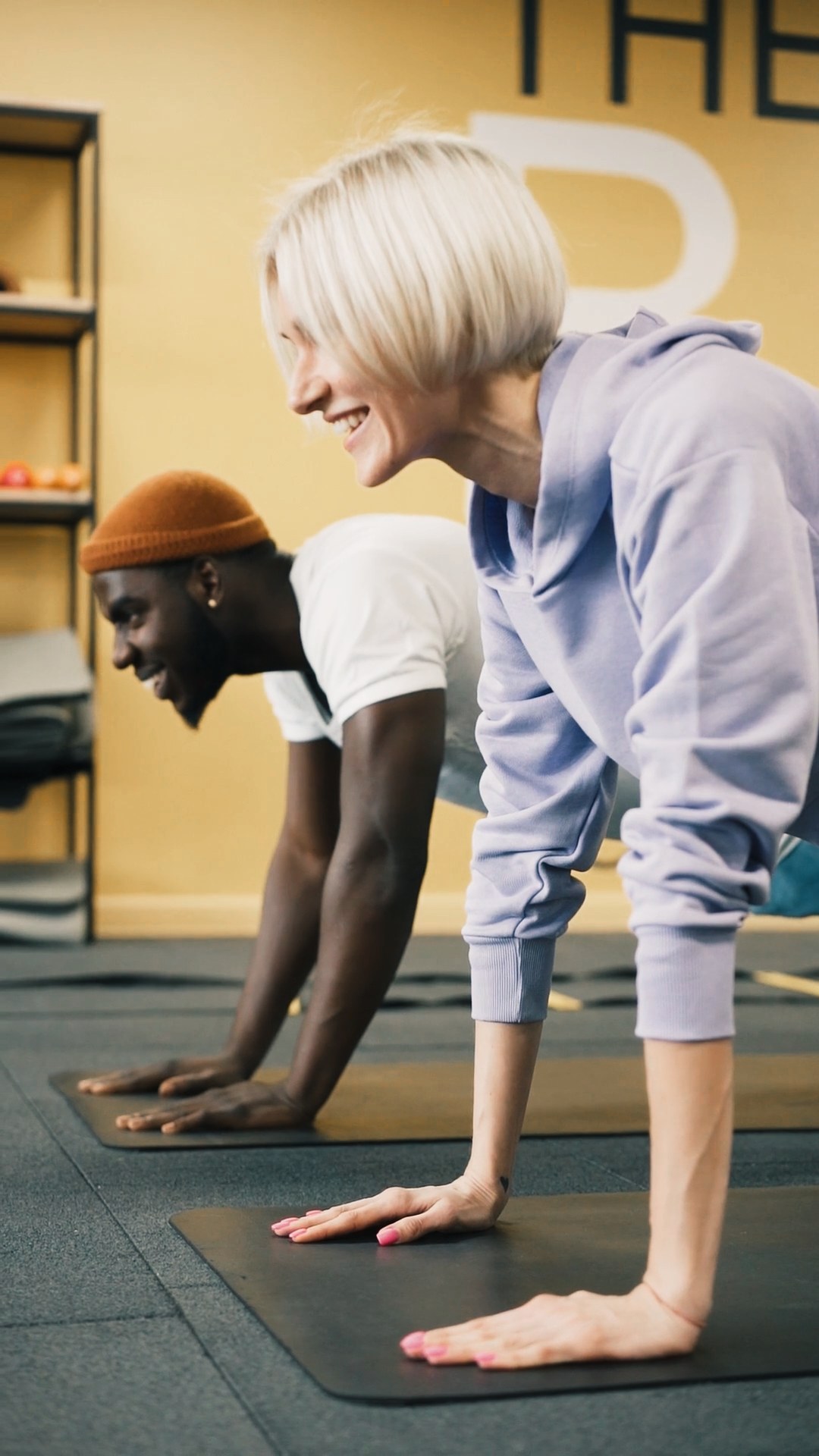
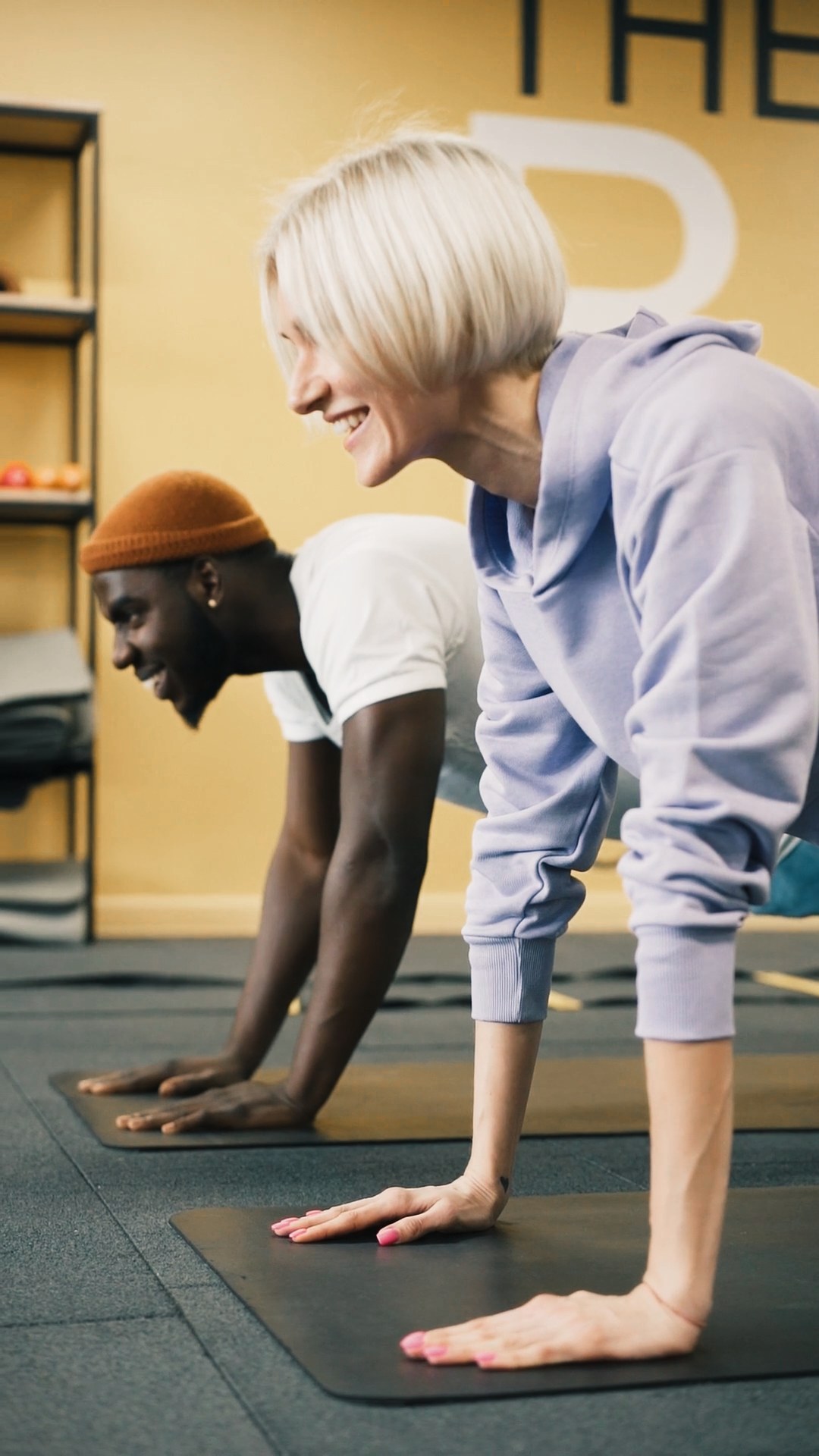
Frame graded with the .cube LUT
LUT the frame graded with the .cube file
Same frame graded with the Lightroom preset
Preset the same frame graded with the Lightroom preset

How your team would use it

1Balance firstIn CapCut, set white balance and exposure in Adjust so the clip looks neutral. This is the step that helps footage from different phones match.
2Add the LUTOpen Adjust, then LUT, and import Lift Daylight.cube. Lower the strength on flat or very bright clips.
3Photos in LightroomImport the .xmp preset, or open the .dng on mobile, and apply it. Adjust exposure photo by photo if needed.

Footage from Pexels, used under the Pexels License and only to demo the look.